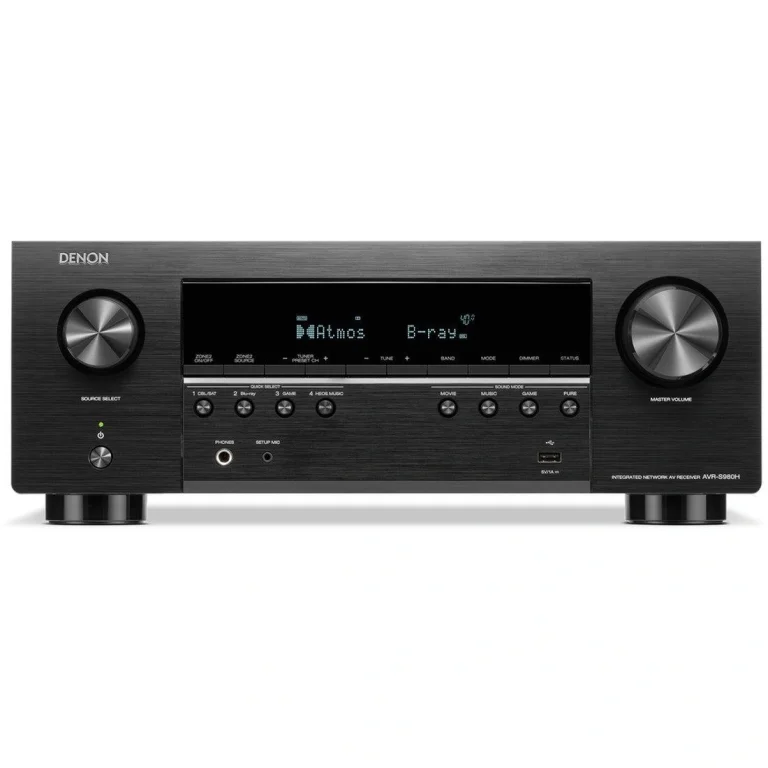
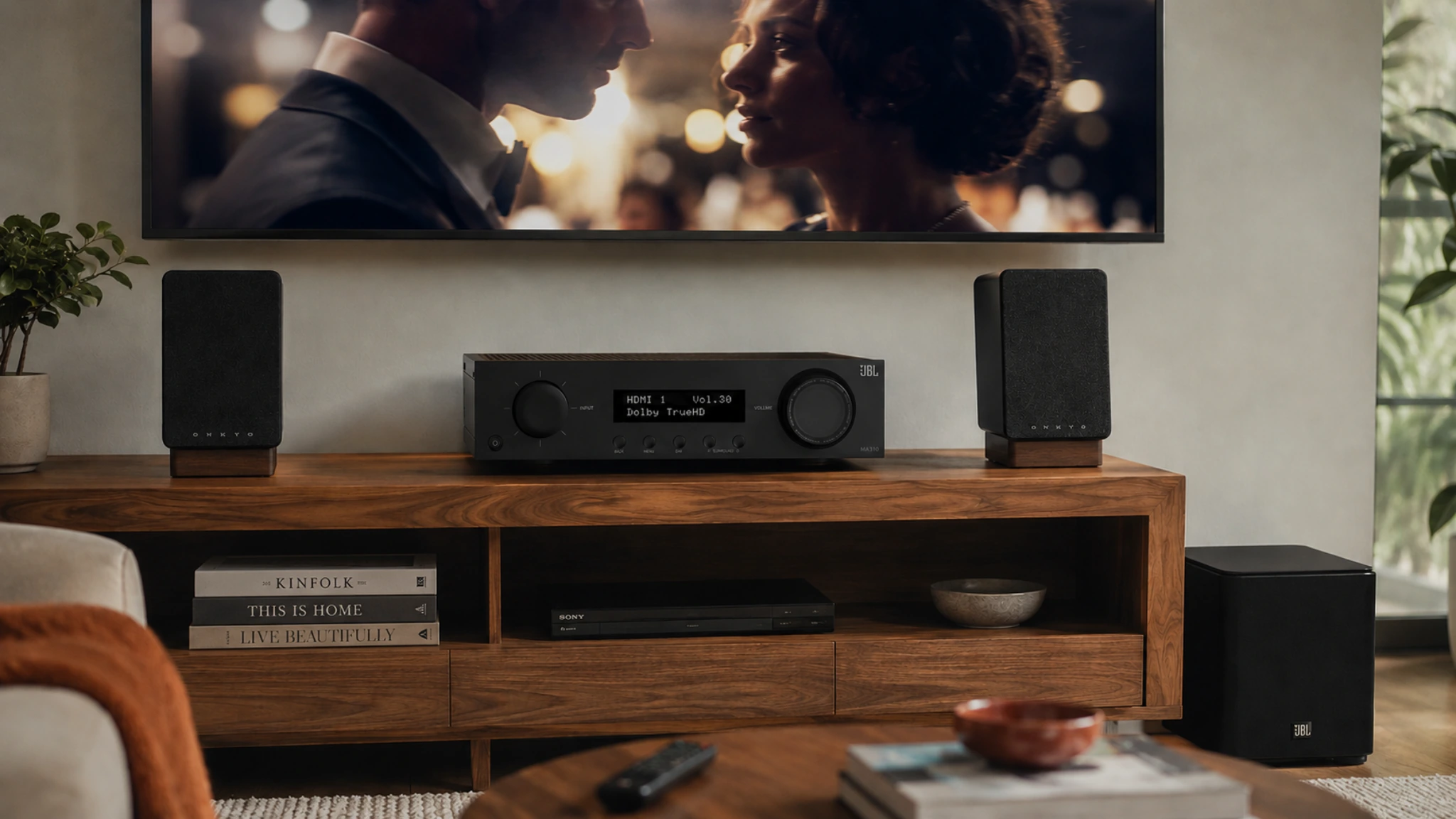
This JBL MA310 review covers the entry point of our under-500 AV receiver roundup — a 5.2-channel home theater receiver from a brand with deeper speaker heritage than most of its direct competitors. It is positioned as the lowest-priced pick in the group, and it earns that position by doing the core job cleanly: auto-calibrated speaker setup, Dolby TrueHD decoding, 4K HDR passthrough, and Bluetooth streaming from one straightforward unit. JBL’s history spans professional concert hall speakers and studio monitors, and that tuning philosophy carries into how the MA310 handles audio reproduction.
It sits at the entry point of our roundup of the best AV receivers under $500 as the recommendation for first-time buyers who want a clean 5.1 system without gaming or streaming complexity. The goal here is simple: break down what the MA310 actually delivers, where its limitations become noticeable, and which listeners will outgrow it quickly versus those who won’t need anything more for years.
Quick Answer: The JBL MA310 is the right choice for a first 5.1 home theater setup where simplicity and price are the priorities. Auto calibration handles speaker setup automatically, Dolby TrueHD and DTS-HD Master Audio decode lossless audio from Blu-ray correctly, and 4K HDR passes to the TV without compromise. The limitations are clear: no Dolby Atmos, HDMI 2.0 only (no 4K/120Hz for gaming), and Bluetooth-only streaming. For buyers ready to step up to HDMI 2.1 and gaming features, the Denon AVR-S570BT is the natural next move.
This article contains affiliate links. If you purchase through them, we may earn a commission at no extra cost to you. This helps support AmplifierZone and allows us to keep creating in-depth, unbiased audio guides.
Who Is the JBL MA310 For?
The buyer it was designed for
The MA310 is aimed at a first surround-sound system built around five amplified channels. The included microphone and EZ Set EQ are intended to simplify initial setup; follow JBL’s manual for placement and measurement steps. The receiver supports compatible lossless Blu-ray formats, including Dolby TrueHD and DTS-HD Master Audio, and passes 4K/60Hz video with the listed HDR formats. Bluetooth provides simple phone streaming without requiring a network connection.
JBL’s professional-audio and speaker heritage is useful context, but it is not proof of a measurable amplifier advantage. Audible results depend on the speakers, room acoustics, listening level, source, and calibration. The MA310 is best judged by its documented layout, EZ Set EQ, inputs, and video limits rather than by brand pedigree alone.
When to look elsewhere
The MA310 is a poor fit for PS5 and Xbox Series X owners who want 4K/120Hz gaming through the receiver — HDMI 2.0 caps video at 4K/60Hz regardless of what the TV or console supports. It also lacks Dolby Atmos support of any kind, making ceiling or upward-firing height speakers impossible to use. And for buyers who want whole-home audio streaming through an app ecosystem, Bluetooth only goes so far. Understanding whether a surround system is the right setup for your room versus a stereo configuration is worth working through first — this stereo vs AV receiver guide maps that decision clearly.
Quick check: Do you watch movies and TV on Blu-ray or streaming services in a room with space for five speakers? Do you connect a current-gen gaming console but primarily game at 4K/60Hz rather than 4K/120Hz? If both apply, the MA310 covers the core five-speaker and 4K/60Hz requirements, subject to the rest of the system. If 4K/120Hz gaming is a daily use case, go straight to the Denon AVR-S570BT.
JBL MA310 — Key Specifications
JBL MA310 5.2-Channel AV Receiver

- Channels: 5.2 (5 amplified + 2 subwoofer pre-outs)
- Power output: 60 W RMS at 8Ω (20Hz–20kHz, 2 channels driven; 0.5% THD max)
- Dolby Atmos: No — Dolby TrueHD, DTS-HD Master Audio, Dolby Digital, DTS
- HDMI: 4× in / 1× out — HDMI 2.0, 4K/60Hz, HDCP 2.2, ARC
- Video: 4K/60Hz passthrough, HDR10, HLG, Dolby Vision
- Room calibration: EZ Set EQ room equalization with included microphone
- Streaming: Bluetooth
- Inputs: 4× HDMI, optical, coaxial, 2× analogue stereo
- Speaker outputs: 5.1 binding posts + 2× subwoofer pre-outs
- JBL speaker and professional-audio heritage — useful context, not a measured performance claim
- EZ Set EQ with microphone — designed to simplify first-time setup; verify the result manually
- Dolby TrueHD and DTS-HD Master Audio — compatible lossless-format playback from Blu-ray sources
- 4K/60Hz passthrough with HDR10, HLG, Dolby Vision — handles current streaming content
- Bluetooth streaming — casual wireless audio without network setup
- Lower-priced entry point in this group — check the current listing before buying
- No Dolby Atmos — no height channel support of any kind
- HDMI 2.0 only — 4K/60Hz ceiling, no 4K/120Hz or 8K passthrough
- No VRR or ALLM — gaming features absent
- 60 W RMS rating specified with two channels driven; compare test conditions rather than watts alone
- Bluetooth only — no Wi-Fi, no streaming app ecosystem
- Shorter review history than Sony and Denon alternatives
Check the current Amazon listing for today’s price and availability. Best entry for buyers who want a straightforward five-channel design.
The 60W per channel rating is the specification that most buyers notice first, and it deserves context. At 60W into 8Ω with a speaker of 87–88dB sensitivity in a small to medium room, there is adequate headroom for normal and moderately high listening levels. The limitation shows in larger rooms with less sensitive speakers — where the MA310 starts to feel constrained before reaching comfortable volume. How speaker sensitivity and room size interact with amplifier power to determine real-world performance is explained in the speaker configuration guide.
AmplifierZone editorial assessment: 4.0/5
The MA310 is a sensible entry-level choice when a conventional 5.1 layout, EZ Set EQ, 4K/60Hz video, and Bluetooth matter more than physical Dolby Atmos, 4K/120Hz gaming, or network streaming. This is an editorial assessment of the documented feature set and use-case trade-offs—not an Amazon customer rating or a claim of universal sound quality.
Design and Build Quality
Chassis and visual presence
The JBL MA310 has a clean, modern industrial aesthetic that differs from the traditional black-box receiver look that Denon, Yamaha, and Sony have used for decades. The front panel is minimal — a volume knob, input selector, and a small display — with JBL’s branding keeping the design professional without trying to compete with Marantz’s premium finish. Build quality is solid for the price point: the chassis feels well-assembled, the binding posts are quality-grade, and the controls have a confident feel that doesn’t suggest corner-cutting.
Front panel and remote
The front panel carries the essentials without clutter — power, volume, input selection, and the auto calibration activation are all accessible without needing the remote for daily operation. The included remote handles all primary functions including source selection, volume, and audio mode switching. Setup is guided — the receiver walks through speaker connection and calibration via an on-screen display when a TV is connected, which removes most of the friction from first-time configuration.
Auto calibration in practice
The included microphone and EZ Set EQ are the MA310’s main setup convenience. Follow JBL’s manual for microphone placement and the on-screen measurement procedure; the system is designed to assist with equalization and basic speaker setup. Treat the automated result as a starting point and verify levels, distances, and crossover choices for your room rather than assuming a fixed time or guaranteed accuracy.
Sound Quality
JBL’s tuning character
The MA310’s documented design is straightforward rather than feature-heavy. Audible differences versus comparable receivers depend on the speakers, room, calibration, listening level, and source, so claims of a universal tonal or bass advantage should be treated cautiously. The practical strengths here are the five-channel layout, EZ Set EQ, and clearly defined 4K/60Hz video support.
Movie and TV performance
The MA310 supports compatible Dolby and DTS formats for Blu-ray and other sources, while its five amplified channels are intended for a conventional 5.1 layout. It cannot render Dolby Atmos height objects. A source device may need to output a compatible non-Atmos soundtrack, so confirm the output mode in the source and display chain. Dialogue clarity and surround continuity will still depend on speaker placement, room acoustics, and calibration.
Music listening
For Bluetooth, optical, coaxial, or analogue sources, the MA310 provides a straightforward two-channel listening path within a five-channel AV receiver. Its audible balance will depend on the connected speakers, room, source quality, and listening mode; the documented feature set is a safer basis for comparison than claiming a universal advantage over other brands.
JBL MA310 review — what it does well and where it reaches its limits
- First 5.1 system: Auto calibration removes the most common setup friction — ideal for first-time buyers
- Blu-ray movie watching: Dolby TrueHD and DTS-HD Master Audio decode correctly at full lossless quality
- Current streaming content: 4K HDR, Dolby Vision, and HLG all pass through to the TV cleanly
- 4K/120Hz gaming: Not possible — HDMI 2.0 caps at 4K/60Hz regardless of console or TV capability
- Dolby Atmos with ceiling speakers: Not supported — virtual or physical height channels require a different receiver
- Multi-room streaming: Bluetooth only — no app ecosystem or Wi-Fi
Connectivity and Compatibility
HDMI inputs and video handling
Four HDMI 2.0 inputs handle 4K/60Hz video passthrough from streaming boxes, Blu-ray players, cable boxes, and gaming consoles — as long as 4K/60Hz is sufficient for the gaming use case. All four inputs support HDR10, HLG, and Dolby Vision, so current TV content from any major streaming service or Blu-ray source passes through correctly. ARC on the HDMI output handles TV audio return — connecting the receiver to a smart TV via a single HDMI cable for TV app audio through the surround system without an additional optical cable.
Digital and analogue inputs
Beyond the four HDMI inputs, the MA310 includes one optical Toslink input, one coaxial digital input, and two analogue stereo RCA inputs. The optical input handles a TV’s optical audio output, a CD player, or any other digital source with Toslink output. The coaxial input adds flexibility for sources that don’t have HDMI — older streaming devices, CD transports, or dedicated DACs. Two analogue inputs handle any source with a standard stereo RCA output.
Ceiling speakers and Atmos
The MA310 does not support Dolby Atmos in any form — physical or virtual. Its five amplified channels are configured for a standard 5.1 layout: front left, front right, centre, surround left, surround right, and subwoofer via the pre-out. Connecting ceiling speakers to the MA310 is possible in terms of wiring — they would simply function as additional surround speakers in a non-Atmos configuration — but they would not receive height-encoded Atmos audio. For listeners who have ceiling speakers installed or plan to install them for genuine object-based surround, the Denon AVR-X1700H Renewed is the only receiver in this group that handles that correctly. The ceiling speaker connection guide explains how height channel configurations work in practice.
How the JBL MA310 Compares
JBL MA310 vs Denon AVR-S570BT
The Denon AVR-S570BT adds HDMI 2.1 features such as VRR, ALLM, QFT, and 4K/120Hz support, making it the more suitable choice for console owners who use those modes. Both are five-channel designs without physical Dolby Atmos height channels. The two brands use different setup systems and rating conditions, so avoid treating their room-correction behavior as directly equivalent without a controlled test. Choose the Denon for its gaming connectivity; choose the JBL when its simpler 4K/60Hz feature set is sufficient.
JBL MA310 vs Sony STRDH590
The Sony STRDH590 is another five-channel, HDMI 2.0-era receiver with Bluetooth and no Dolby Atmos processing. Sony has a longer product history and broader buyer visibility, while the MA310 adds EZ Set EQ and a newer JBL design. Their room-calibration systems and published power ratings are not identical, so compare the documented features and current offers rather than relying on review volume or a fixed price difference.
JBL MA310 vs Yamaha RX-V4A
The Yamaha RX-V4A adds MusicCast, AirPlay 2, Wi-Fi, YPAO, and HDMI 2.1 features including VRR and ALLM. Yamaha’s official specifications list no phono input for the RX-V4A, so it should not be described as a phono-equipped alternative. The Yamaha is the better fit for networked listening and newer gaming features; the MA310 is the simpler choice when Bluetooth and 4K/60Hz are enough.
Best Speaker Pairings
JBL lists the MA310 at 60 W RMS into 8Ω with two channels driven; that test condition should not be read as a guarantee of 60 W to all five channels simultaneously. In practice, usable volume depends on speaker sensitivity, impedance, room size, listening distance, and program material. Use the guidance below as a starting point rather than a promise of headroom.
| Speaker sensitivity / load | Typical starting point | Room and level guidance | Practical note |
|---|---|---|---|
| 90 dB or higher, nominal 8Ω | Efficient bookshelf or compact floorstanding speakers | Small to medium rooms at normal listening levels | Generally easier to drive; still confirm the speaker’s impedance curve. |
| 87–89 dB, nominal 6–8Ω | Most mainstream bookshelf, centre, and surround speakers | Small to medium rooms; allow margin for distance and peaks | A sensible general starting range, not a guaranteed headroom result. |
| 85–86 dB or lower | Less-efficient bookshelf speakers or floorstanders | Use more caution in larger rooms or at sustained high levels | Consider auditioning the combination and keeping extra power in reserve. |
| Low impedance or difficult load | Any speaker whose manufacturer shows a demanding impedance curve | Large rooms, long listening distances, or high playback levels | Do not choose from sensitivity alone; verify compatibility and thermal limits. |
Is the JBL MA310 Worth It?
For the right buyer — yes
For a first-time buyer who wants a conventional 5.1 system for movies and casual Bluetooth listening, the MA310 offers a clear, limited feature set: five amplified channels, EZ Set EQ, compatible Dolby/DTS playback, and 4K/60Hz video passthrough. Its limits are equally clear: no physical Atmos height channels, no 4K/120Hz path, and no Wi-Fi or network-streaming platform. Check the current listing and the rest of your system before purchasing.
When to spend more
If a PS5 or Xbox Series X is part of the setup and 4K/120Hz gaming is a regular use case, the Denon AVR-S570BT with the current price difference is the unambiguous better purchase. If Apple Music streaming throughout the house matters, the Yamaha RX-V4A handles that in a way the MA310 cannot. If ceiling speakers and Dolby Atmos are part of the plan — now or in the future — the MA310 is not the right long-term foundation.
Gaming check before buying: If your TV supports 4K/120Hz and you own a PS5 or Xbox Series X, connect the console directly to the TV first to confirm you’re using 4K/120Hz mode. Then ask whether routing that signal through an HDMI 2.0 receiver — which drops it to 4K/60Hz — is an acceptable trade-off. For most movie-primary households it is. For gaming-primary households it is not.
JBL MA310 Review — Final Verdict
What it delivers
The JBL MA310 is a straightforward five-channel AV receiver for buyers who do not need physical Atmos height channels, 4K/120Hz gaming, or built-in network streaming. Its documented strengths are EZ Set EQ, compatible Dolby/DTS playback, 4K/60Hz HDR passthrough, and Bluetooth. The editorial assessment is based on those stated capabilities and use-case trade-offs, not on a fixed Amazon price, customer-review count, or a universal claim about sound quality.
The natural next step
For buyers who want HDMI 2.1, VRR, and 4K/120Hz gaming capability alongside the core receiver features — at essentially the same price — the Denon AVR-S570BT review covers the next step up in connectivity and gaming performance. For the full picture across all five AV receivers currently available under $500, the complete roundup maps each use case clearly.
Check the current Amazon listing for today’s price and availability. Best entry for buyers who want a straightforward five-channel design.
Frequently Asked Questions
Does the JBL MA310 support Dolby Atmos?
No. The JBL MA310 has five amplified channels and cannot render Dolby Atmos height objects. It can handle compatible Dolby and DTS formats, but the source device may need to output a non-Atmos soundtrack. For a ceiling- or upward-firing-speaker layout, choose a receiver whose manufacturer specifications explicitly list Dolby Atmos and the required height-channel configuration.
Can the JBL MA310 handle 4K/120Hz for PS5 or Xbox Series X?
No. The MA310 uses HDMI 2.0, which supports 4K/60Hz passthrough but not 4K/120Hz. If you connect a PS5 or Xbox Series X through the MA310, the video signal is capped at 4K/60Hz regardless of what your TV supports. Variable Refresh Rate (VRR) is also not available. For current-generation gaming at 4K/120Hz through an AV receiver, the Denon AVR-S570BT and Yamaha RX-V4A both provide HDMI 2.1 on all inputs.
How does the JBL MA310’s auto calibration work?
The MA310 includes a calibration microphone and EZ Set EQ. Follow JBL’s manual for microphone placement and the on-screen measurement procedure, then treat the automated result as a starting point: verify distances, levels, crossover choices, and subwoofer integration in your room. Avoid assuming a fixed setup time or guaranteed accuracy.
How many HDMI inputs does the JBL MA310 have?
The JBL MA310 has four HDMI 2.0 inputs and one HDMI output with ARC support. Four inputs handle a gaming console, a streaming device, a Blu-ray player, and one spare without cable swapping — sufficient for most standard living room setups. All four inputs support 4K/60Hz passthrough with HDR10, HLG, and Dolby Vision.
Is the JBL MA310 good for a first home theater setup?
It can be a practical starting point for a conventional 5.1 system when 4K/60Hz video, Bluetooth, and simple setup are enough. The main limitations are no physical Dolby Atmos height channels, no 4K/120Hz path, and no Wi-Fi or built-in network-streaming platform. Check the current listing and the rest of the system before purchasing.