
The Sonos Port is a small streaming box that adds Wi-Fi streaming, AirPlay 2 and Sonos multiroom to a stereo or receiver you already own. It has no amplifier of its own. Instead, it connects to your existing gear through analog RCA outputs or a digital coaxial output.
In this review, we cover who the Port suits, its connections, how it sounds, how to set it up, and how it compares with the Sonos Amp. If you are still choosing a streaming amplifier, our guide to the best streaming amplifiers covers more options.
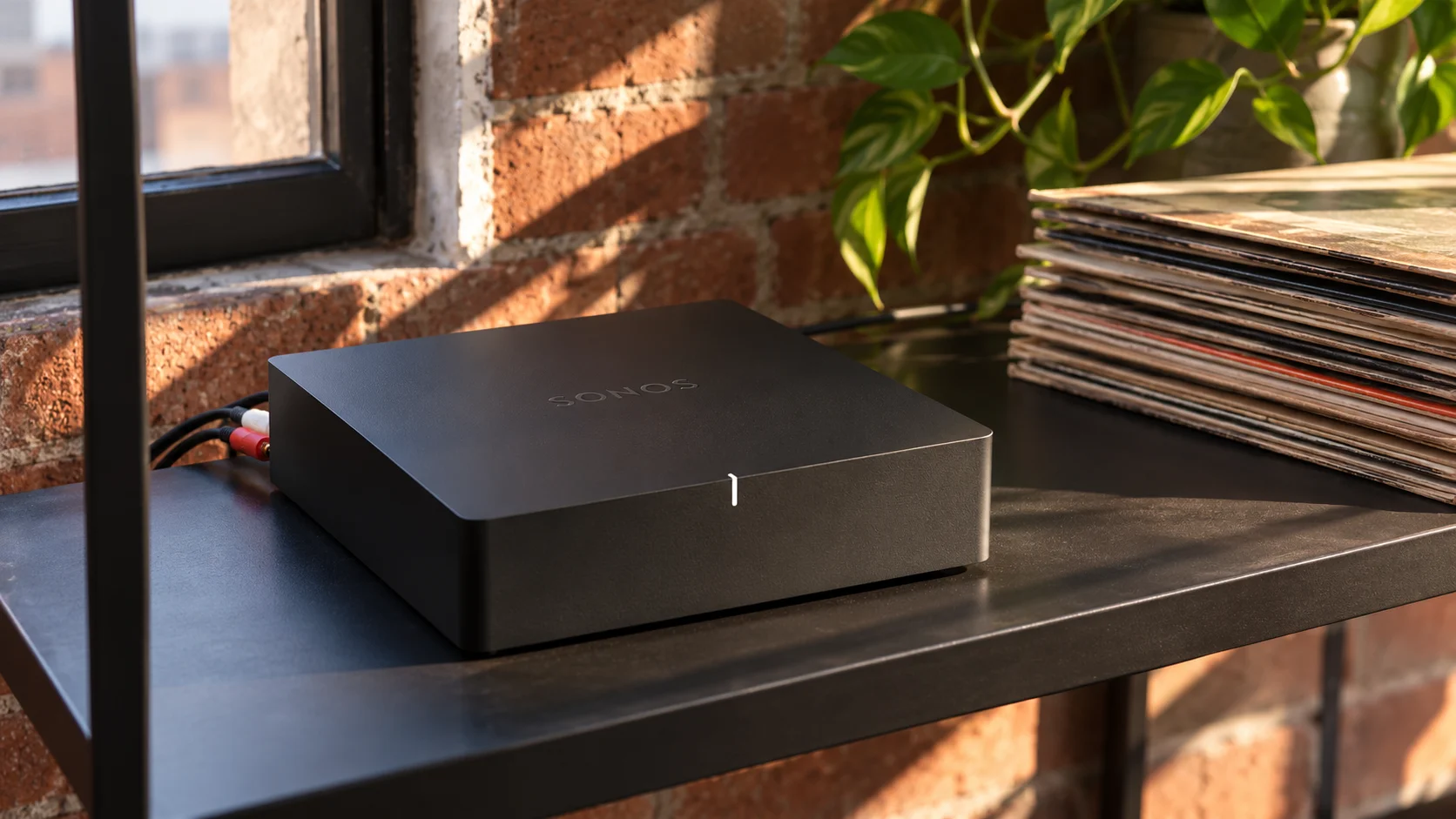
Quick answer: The Sonos Port is the right choice if you already own a good amplifier or receiver and want to add Sonos streaming and multiroom without replacing it. It has no amplifier, no HDMI, no Bluetooth and no phono stage, so skip it if you need any of those. If you want Sonos with built-in amplification and TV connection, choose the Sonos Amp instead.
This article contains affiliate links. If you purchase through them, we may earn a commission at no extra cost to you. This helps support AmplifierZone and allows us to keep creating in-depth, unbiased audio guides.
Who the Sonos Port Is For (and Who Should Skip It)
The Port suits listeners who already love their amplifier or receiver and speakers. It lets them stream music, podcasts and internet radio without buying new gear. It also suits Sonos households, because the Port joins the same multiroom system as other Sonos speakers. Moreover, the line-in lets you share a turntable or CD player with other rooms.
However, the Port is not for everyone. It has no amplifier, so it needs a stereo, receiver, soundbar or powered speakers. It also has no HDMI, no Bluetooth and no built-in phono stage. If you want Sonos with an amplifier and TV connection in one box, the Sonos Amp is a better fit.
Sonos Port: Key Specifications
Sonos Port Streaming Component

- Type: Network streamer with no built-in amplifier
- Analog output: One stereo RCA pair
- Digital output: One coaxial
- Input: One stereo RCA line-in
- Network: Wi-Fi and two Ethernet ports (10/100)
- AirPlay 2: Yes
- Trigger: 12V trigger to switch on a compatible amplifier
- Output modes: Variable or fixed volume; stereo or dual mono
- EQ: Bass, treble and loudness in the Sonos app
- Size: 5.43 x 5.43 x 1.61 in, 1.04 lb
- In the box: Power adapter and RCA cable
- Adds streaming to any stereo or receiver
- Analog and digital outputs
- AirPlay 2 and Sonos multiroom
- 12V trigger turns your amplifier on automatically
- Line-in shares a turntable or CD player with other rooms
- No amplifier, HDMI or Bluetooth
- No built-in phono stage
- Sound is clean but not class-leading
AmplifierZone Editorial Rating
The easiest way to add Sonos streaming and multiroom to an existing stereo. Flexible connections and a strong app are held back by sound that is clean rather than exciting.
Reviewed by AmplifierZone Editorial Team · October 2026
Streaming component for an existing stereo or receiver.
Connections: Analog or Digital?
The Port gives you two ways to connect to your system. The analog RCA outputs work with almost any amplifier. The digital coaxial output feeds an external DAC or an amplifier with its own DAC. So, which one is better?
- Analog RCA: Use this if your amplifier has no digital inputs. It is the simplest setup, and the Port’s own DAC does the conversion.
- Digital coaxial: Use this if your amplifier or DAC is better than the Port’s converter. It also keeps the signal digital until it reaches your gear.
- Line-in: Connect a turntable (through a phono preamp), CD player or TV audio, then share it with other Sonos rooms. For turntable options, see our guide to integrated amplifiers with phono input.
- 12V trigger: Connect it to a compatible amplifier so it switches on when you press play in the app.
The Port also offers two output modes. Variable mode lets the Sonos app control volume, which suits amplifiers with no volume control of their own. Fixed mode suits integrated amplifiers and receivers that handle volume themselves.
Sound Quality
The Port has a clean, balanced sound with a full midrange. Early reviews, such as the one from What Hi-Fi, praised the features and app but found timing and bass punch less convincing than some rival streamers. Therefore, the Port is better judged as a convenient streaming source than as a reference-level one.
If sound quality is your top priority, use the digital coaxial output with a good external DAC or an amplifier with a strong built-in DAC. In that case, the Port acts only as a network transport. Also, keep the Sonos EQ flat unless your room needs correction.
Setup and Control
Setup is quick. Connect the Port to your amplifier, plug in the power adapter and follow the Sonos app. A wired Ethernet connection is the most stable choice, although Wi-Fi works too. After that, you add your streaming services in the app and control playback from your phone.
The Port also supports AirPlay 2, so iPhone, iPad and Mac users can send audio directly from Apple apps. Voice control needs a voice-enabled Sonos speaker, because the Port has no microphone. Finally, adding Sonos speakers in other rooms turns the Port into the start of a multiroom system.
Sonos Port vs Sonos Amp
| Feature | Sonos Port | Sonos Amp |
|---|---|---|
| Built-in amplifier | No | Yes (125W x 2 at 8Ω, Sonos rating) |
| TV connection | No | HDMI ARC |
| Outputs | RCA and digital coaxial | Speaker terminals |
| Line-in | Yes | Yes |
| Best for | Keeping your existing amplifier | Powering passive speakers and a TV |
In short, buy the Port if you want to keep your current amplifier. Buy the Amp if you want one box to power speakers and connect a TV. Our Sonos Amp review covers the Amp in detail.
Sonos Port Alternatives
If you do not need the Sonos ecosystem, other streamers can also add network audio to a stereo. The WiiM Pro Plus is a lower-cost option with AirPlay 2. For a different multiroom system, see our Bluesound Powernode Edge review, and for wireless amplifiers in general, our guide to wireless amplifiers for home speakers. If you prefer the BluOS app, the Bluesound Node adds HDMI eARC and a headphone output.
Verdict: Is the Sonos Port Worth Buying?
Yes, if you already own an amplifier or receiver you like and want the simplest route to Sonos streaming. The Port is flexible, easy to set up and works well with the Sonos app and AirPlay 2. It is also a smart way to share a turntable or CD player across the house.
It is not the right choice if you need built-in amplification, HDMI or Bluetooth. In that case, look at the Sonos Amp. Also, if sound quality is your priority, pair the Port with a good external DAC through the coaxial output.
Frequently Asked Questions
Does the Sonos Port have a built-in amplifier?
No. The Port is a streaming component, so it needs a stereo, receiver, soundbar or powered speakers to make sound. The Sonos Amp is the model with built-in amplification.
Does the Sonos Port have Bluetooth or HDMI?
No. The Port connects through Wi-Fi or Ethernet and outputs through analog RCA or digital coaxial. If you need HDMI ARC for a TV, choose the Sonos Amp.
Can I connect a turntable to the Sonos Port?
Yes, through the line-in, but the Port has no phono stage. Use a turntable with a built-in preamp or add an external phono preamp first.
Should I use the analog or digital output on the Sonos Port?
Use the analog RCA outputs for simple setups. Use the digital coaxial output if your amplifier or DAC has a better converter than the Port.
Do I need other Sonos speakers to use the Port?
No. The Port works on its own with your existing stereo. Adding Sonos speakers in other rooms gives you multiroom playback.

